
Page Locations and Conflict with Overlaps
- By Jon S. Winters Product Architect
- Updated
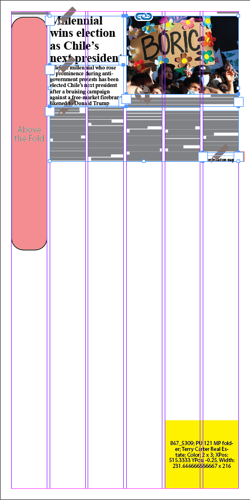
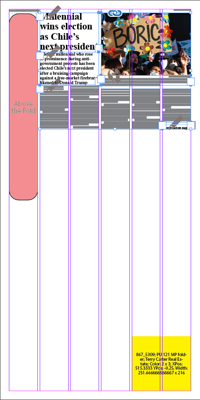
This example shows the Above the Fold Location. Even though that Location can use the full width of the page, since it's top is exposed, it will opt for the highest position on the page. In addition, doglegs around the bottom are not permitted. Thus, the entire location will appear in the first column given the page's current obstructions.
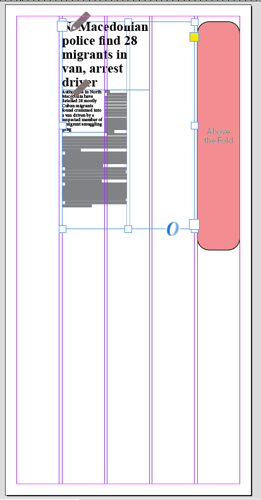
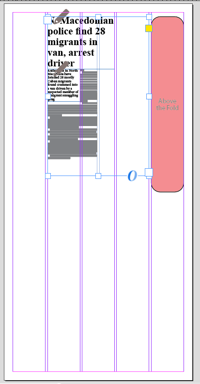
While the asset in columns 2 through 4 don't current fill the frameset, the frameset produces a segment blocking off those columns. Thus the Above the Fold page Location selects the right side of the page or column 5 since the column 1 and column 5 openings are the same size.
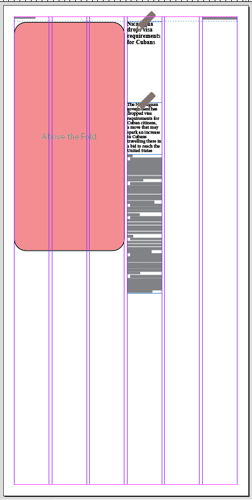
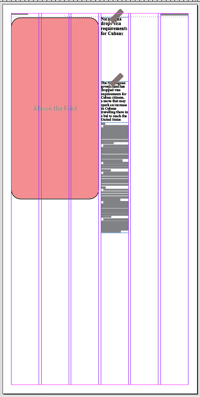
This is a 6 column grid example of the Above the Fold page Location being obstructed with an asset in column 4. Since the width of columns 1 through 3 is wider than the remaining columns 5 through 6, the page Location choose the left/wider side of the obstruction.
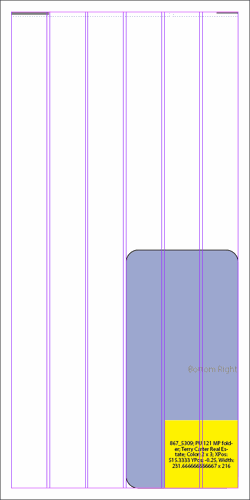
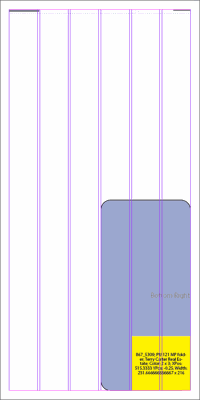
The Bottom Right Location with an ad causing a dogleg. This type of dogleg is allowed.
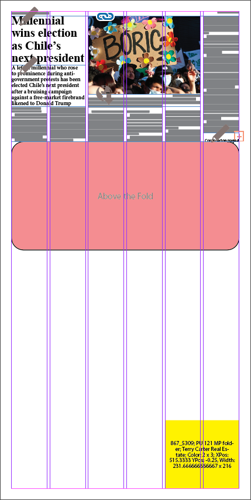
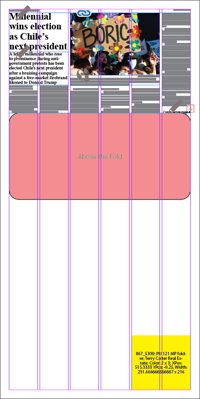
The Above the Fold Location showing it shifting down the page when the top of the page is blocked with an asset. While the top is shifted down, it is still staying above the fold.
This example shows the Above the Fold Location. Even though that Location can use the full width of the page, since it's top is exposed, it will opt for the highest position on the page. In addition, doglegs around the bottom are not permitted. Thus, the entire location will appear in the first column given the page's current obstructions.
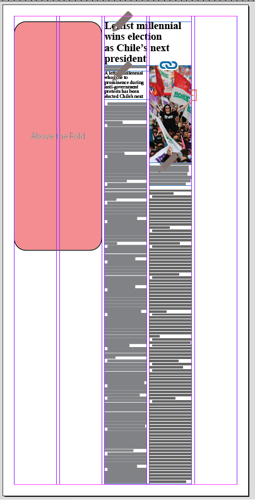
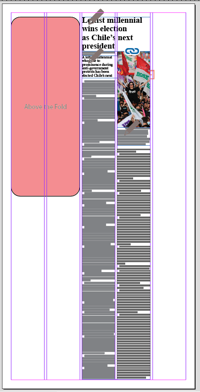
The Above the Fold location on a 5-column page with columns 3 and 4 obstructed with an asset. Since the column 1 and 2 opening is wider than the single column 5, the page Location choses the widest opening or columns 1 and 2.
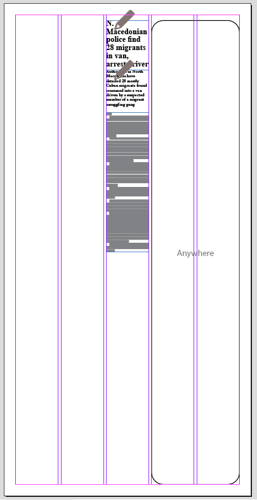
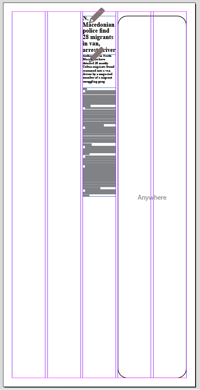
The Anywhere page Location on a 5 column page. Since the openings on either side of the asset in column 3 are the same width, the page Location selects the right hand side of the page.
While the asset in columns 2 through 4 don't current fill the frameset, the frameset produces a segment blocking off those columns. Thus the Above the Fold page Location selects the right side of the page or column 5 since the column 1 and column 5 openings are the same size.
This is a 6 column grid example of the Above the Fold page Location being obstructed with an asset in column 4. Since the width of columns 1 through 3 is wider than the remaining columns 5 through 6, the page Location choose the left/wider side of the obstruction.
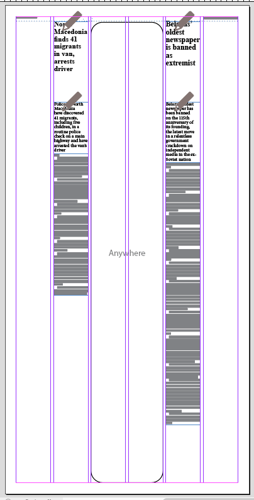
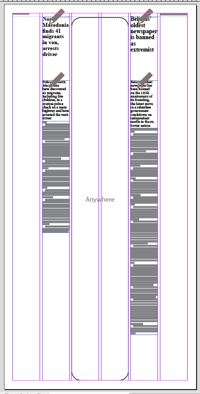
Another example of the page Locations looking for the widest opening. Here on a 6-column page with assets obstructing columns 2 and 5, there is a two-column wide opening in columns 3 and 4 which holds the remainder of the Anywhere page Location.
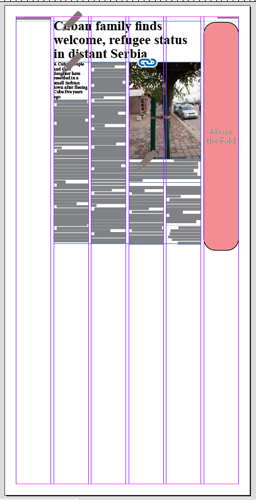
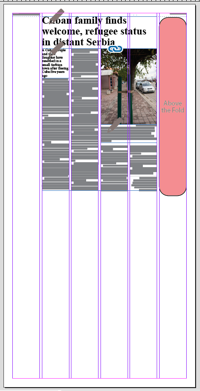
With an asset obstructing columns 2 through 5 the Above the Fold page Location selects the rightmost column 6 since there is a preference for selecting the rightmost column when the openings are the same size.
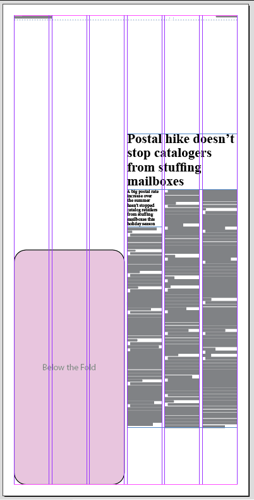
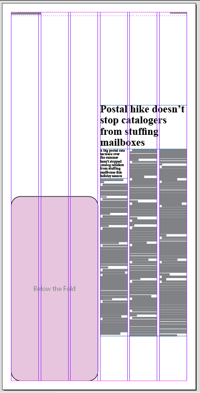
An example of the full page width Below the Fold page Location sticking to the first three columns since doglegs on the bottom are not permitted.
As featured on
No asset gets placed on a page by the Automated Production functionality without first determining where! There is a finite set of generic positions and this document outlines those locations and any special properties they poses.


