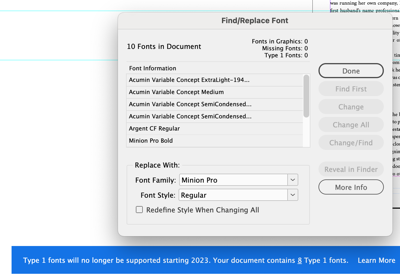
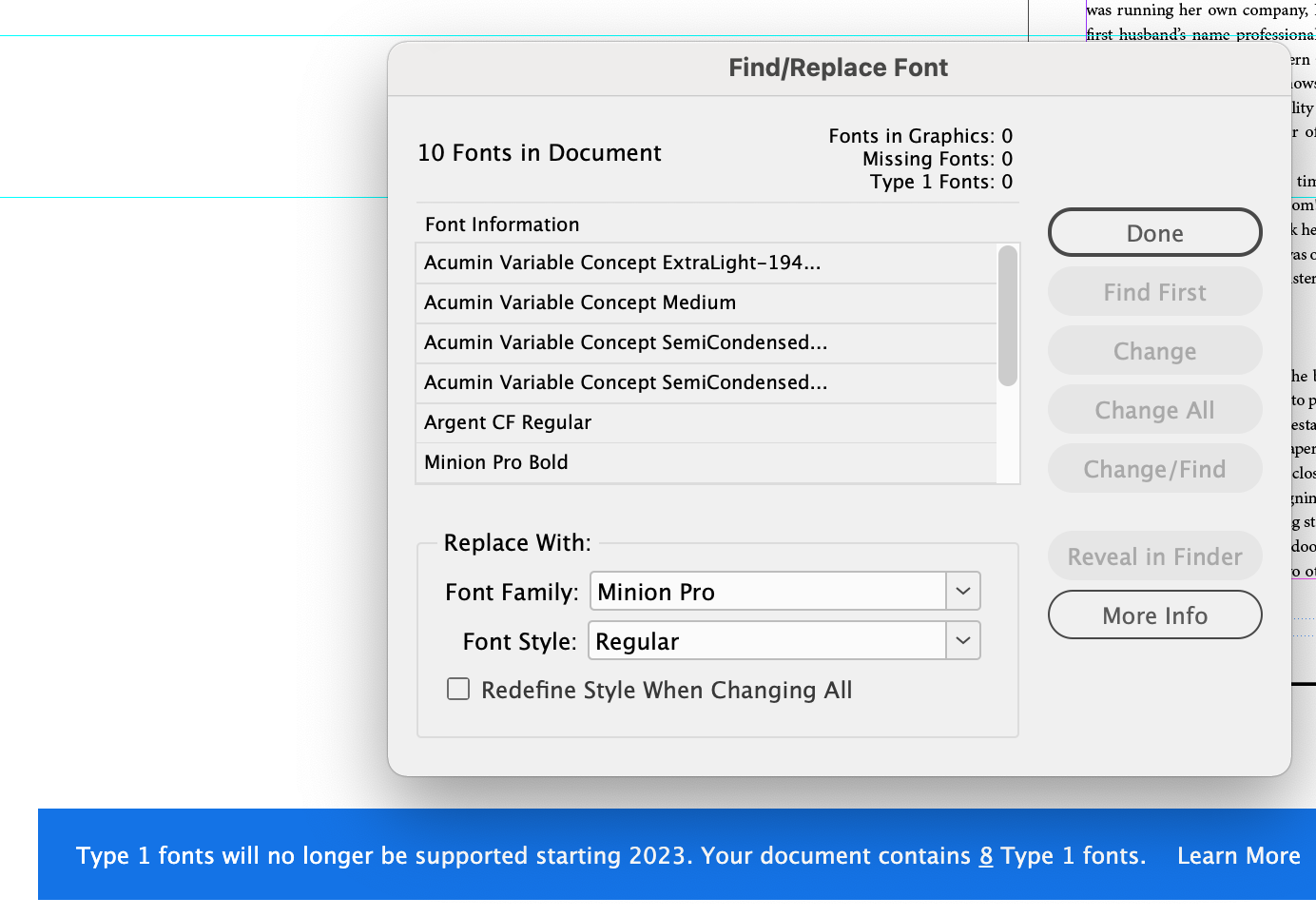
Type 1 fonts, also known as PostScript, PS1, T1, Adobe Type 1, Multiple Master, or MM are a format within the font industry that has been replaced by larger glyph sets. Adobe will end support for Type 1 fonts by January of 2023.
Support for all Type 1 fonts in Adobe products, including InDesign and Photoshop, will stop by January 2023. Users will no longer have the ability to author content using Type 1 fonts after that time.
While this is not a BLOX Total CMS issue, as a courtesy the TownNews BLOX TCMS team wanted to remind sites it's a good time to review Adobe InDesign templates before support ends.
Overview
Type 1 fonts, also known as PostScript, PS1, T1, Adobe Type 1, Multiple Master, or MM are a format within the font industry that has been replaced by larger glyph sets.
Type 1 fonts were introduced by Adobe in 1984 for use with its PostScript page description language, and became widely used with the spread of desktop publishing software and printers that could use PostScript. In 1996, Adobe products and type development began to concentrate on the use of more versatile OpenType fonts rather than Type 1.
Most browsers and mobile OSes do not support Type 1 fonts. Similarly to Adobe, most operating systems will move forward with support for the more robust technical possibilities of OpenType format fonts, ending support for the Type 1 format.
Additionally, Photoshop 23.0 and later will not recognize the presence of Type 1 fonts, even if you have Type 1 fonts installed in your desktop operating system:
Type 1 fonts will not appear in the Photoshop Fonts menu.
Previously installed Type 1 fonts will no longer work in Photoshop.
Opening Photoshop files with existing Type 1 fonts will appear as “Missing fonts” in the document.
What will happen to documents using Type 1 fonts after January 2023?
Adobe applications will not recognize the presence of Type 1 fonts, even if you have Type 1 fonts installed in your desktop operating system:
Type1 fonts will not appear in the Fonts menu.
There would be no way to use previously installed Type1 fonts.
Existing Type1 fonts will appear as “Missing fonts” in the document.
How do I tell which fonts are Type 1?
You can see the type of fonts you have installed by examining the right column in the fonts list. All of the Adobe fonts that come with your Creative Cloud subscription (cloud icon or O) are OpenType fonts. TT designates TrueType. You will see a T1 by the Type 1 fonts. Specialty fonts come in all varieties.
Type 1 fonts, also known as PostScript, PS1, T1, Adobe Type 1, Multiple Master, or MM are a format within the font industry that has been replaced by larger glyph sets. Adobe will end support for Type 1 fonts by January of 2023.
By Cody Dyer
cdyer@townnews.com
Can I convert my Type 1 font files to a supported format?
Converting Type 1 fonts to the OpenType format is possible but will produce a sub-optimal result. Additionally, converting your files may be prohibited by the font foundry’s End User License Agreement. Please consult the license agreement or contact the foundry directly for more information.
Where can I obtain OpenType version of Adobe-owned fonts?
Many fonts published by Adobe Type in the past (such as Adobe Originals) are available from the Adobe Fonts service for free with your Creative Cloud subscription. Perpetual licenses for these and other OpenType format fonts published by Adobe are available for purchase from our partner Fontspring.
How can I upgrade my third-party Type 1 fonts?
Users who purchased Type 1 fonts not owned by Adobe should contact the font foundry that published the font(s) to learn whether an upgrade path to the OpenType format is available.
How will Acrobat handle PDF's that use Type 1 fonts?
No changes are being made to Acrobat. Acrobat will continue handling PDFs in the same manner it has been for more than 20 years:
PDFs with embedded fonts will display as intended.
For files with non-embedded fonts there are two scenarios–
The missing font is one of the fonts that ships with Acrobat or is the default in the operating system's fonts. This font gets used in place of the non-embedded font.
The missing font is substituted for the next closest match according to Acrobat's font substitution table and the available fonts on the system.
When PDFs are viewed in a web browser, a viewer other than Adobe’s may be used. In such cases, we cannot control what will happen. This is the current expectation and does not change based on Adobe’s Type 1 end of support.