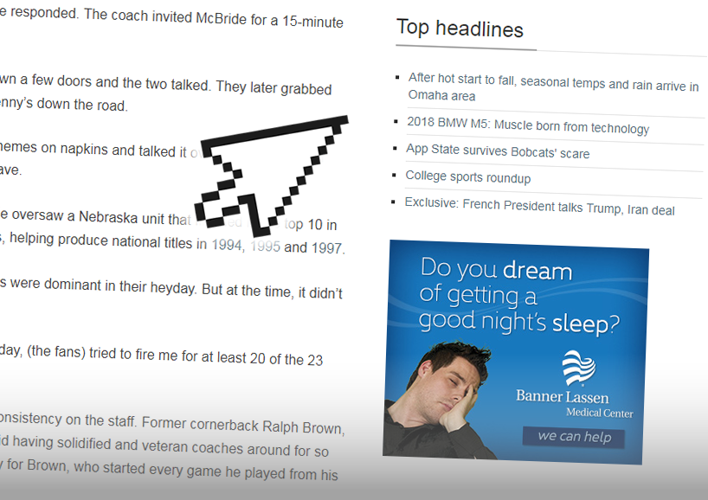
As part of an initiative to provide more flexible block placements, we are adding several new Utility Regions which "stick" to the page as the user scrolls down. This technique ensures that the content or ads in that region will be seen as the user reads the article.
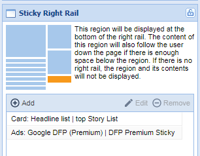
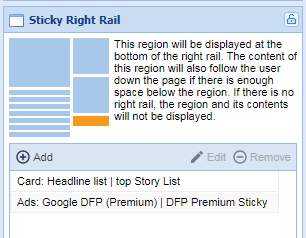
Last week we added a Sticky Article Aside region next to the article on the left side of the screen on desktop. This week, we are adding a new Sticky Right Rail region at the bottom of the right rail on all asset pages (not just articles).
Some tips and tricks regarding this new region:
Remember that other right rail regions will still be available above the sticky region, but they will scroll by as the user goes down the page.
Multiple items can be included in the Sticky Right Rail, and they will stack on top of each other. Be careful though, since the region does not scroll, items that are too tall for a viewer's screen (since they would not be able to scroll down to see the bottom).
Consider adding a highly-engaging content region (such as behaviorally-targeted content recommendations, or most popular stories) with an ad beneath it.
As with the Sticky Article Aside region, the Sticky Right Rail region does not "stick" on mobile. It will drop below the asset like other right rail items. Consider using visibility classes to remove these blocks from mobile or longform articles if they are deemed unnecessary there.
Note that the Sticky Right Rail region will not be displayed if the right rail is not enabled.