
This release further enhances Automated Production. The biggest changes are full support for the Design Element snippets that were exported with the UXP-based BLOX Total CMS Plug-in. Those snippets will appear in the Publications tab of the browser-based asset editor and can be used to force Automated Production placements of Article assets to be placed into the designated snippets.
In addition, the snippet's number of child image frames figures into the score of the asset to determine the order that the assets are placed.

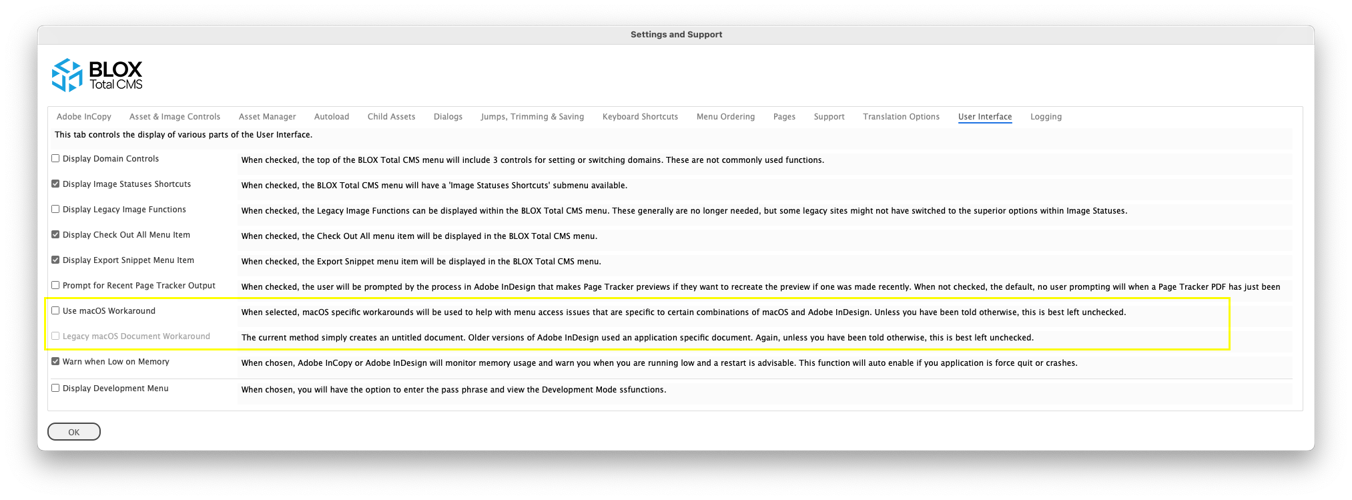
For macOS users with odd combinations of macOS and Adobe InDesign or Adobe InCopy where the two do NOT play nice with some scripts, such as the BLOX Total CMS client, we've added the ability to force both the use of the macOS workaround technology as well as the legacy version where it opens a document versus the faster document creation technology we added with client 5.70. Only choose these options if you have a weird, unsupported, combination of macOS and Adobe InDesign. By the way, Adobe only officially support the current version of Adobe InDesign or Adobe InCopy an the prior version. So as of 2024.08.07 the only two supported versions are Creative Cloud 2023 and Creative Cloud 2024. BLOX Digital, likewise, only support the two versions that Adobe supports.

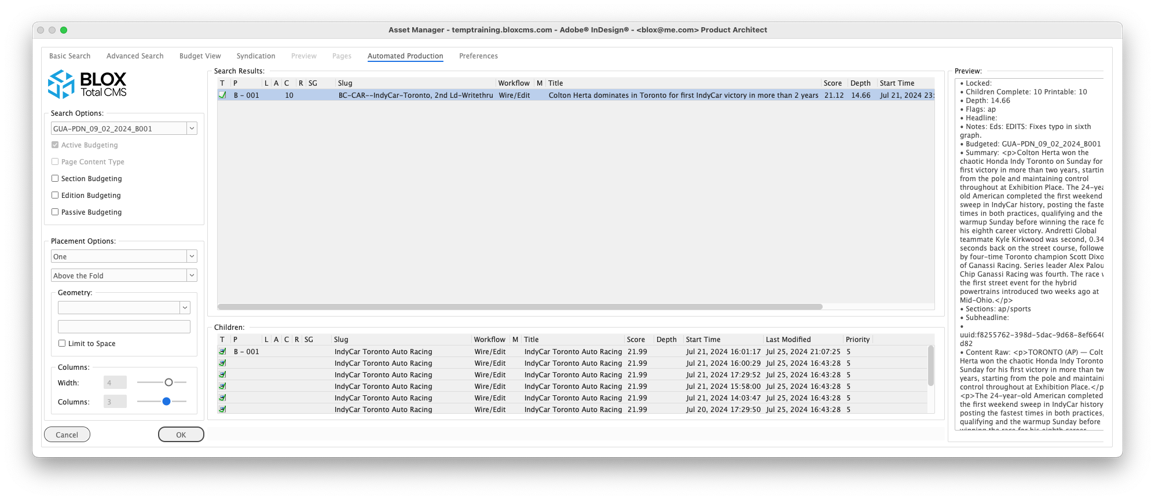
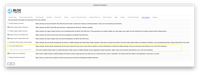
This image shows the newly functioning Width and Columns sliders that can be used with Automated Production to make the Page Locations smaller than their full width and the change the number of legs or columns within the area that remains.

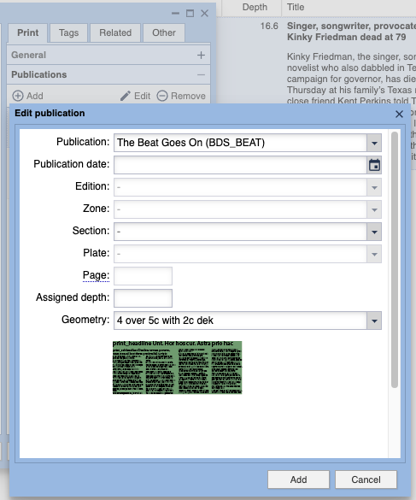
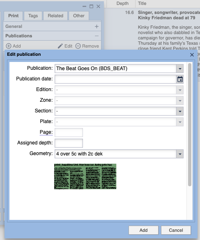
This shows a Geometry item selected for an asset in the `Publications` accordion. By selecting an Design Element Snippet in that dialog in the browser interface a selected frame on the page will become the top-left anchor for the snippet when the asset is placed. Thus, staff can pre-select the design / layout of an article asset and its children in advance of building the page.
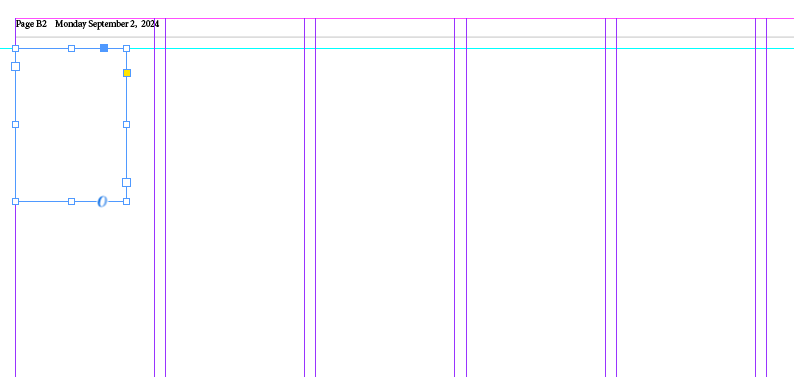
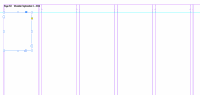
This shows a random sized Text Frame on an Adobe InDesign page. This is all that is needed to establish the top left placement location for a pre-selected Geometry item (Design Element Snippet).
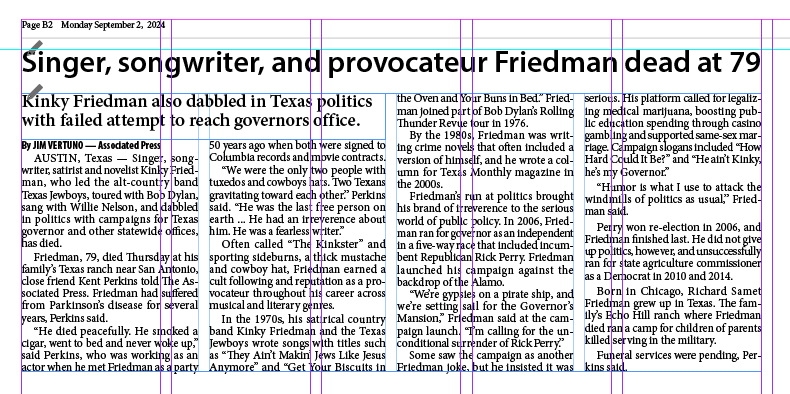
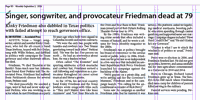
This shows a snippet being used for the placement of an article asset.
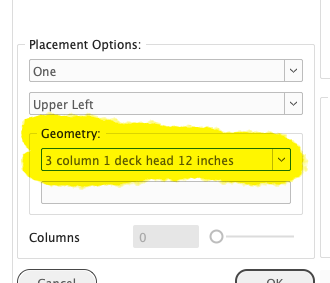
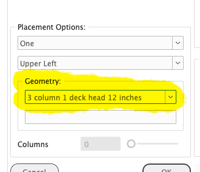
The Geometry drop down menu will show the Geometry Items chosen in the browser interface if one was selected there. Otherwise it allows the user to select from any snippets that were exported using the UXP-based BLOX Total CMS Plug-in. The Automated Production placed assets will be placed using the designated geometry items.


